Your pilot page, and bringing a friend to Starlane
· The Starlane team · 4 min read
Everything you do in Starlane happens in one shared universe, and some of it is worth showing people. So every pilot can have a page of their own. It's off until you turn it on, and it shows your history without ever giving away anything that could hurt you.
This guide covers the page, the moments on it, and the link that lets you bring a friend.
Your page is private until you say otherwise
Every pilot has a page at /p/ followed by their callsign. Out of the box it's private: nobody can open it, and its link answers exactly as if there were no such pilot. There's no "this page is private" message to give you away.
To turn it on, open your Account page and find the panel called Your page, and your friends. Press Make my page public. Press Make my page private and it's gone again, and its link goes back to answering as if it never existed. You'll need to have confirmed your email address first.
What it shows, and what it never does
A public page is a record of what you've done:
- your callsign, your face, your origin and your career;
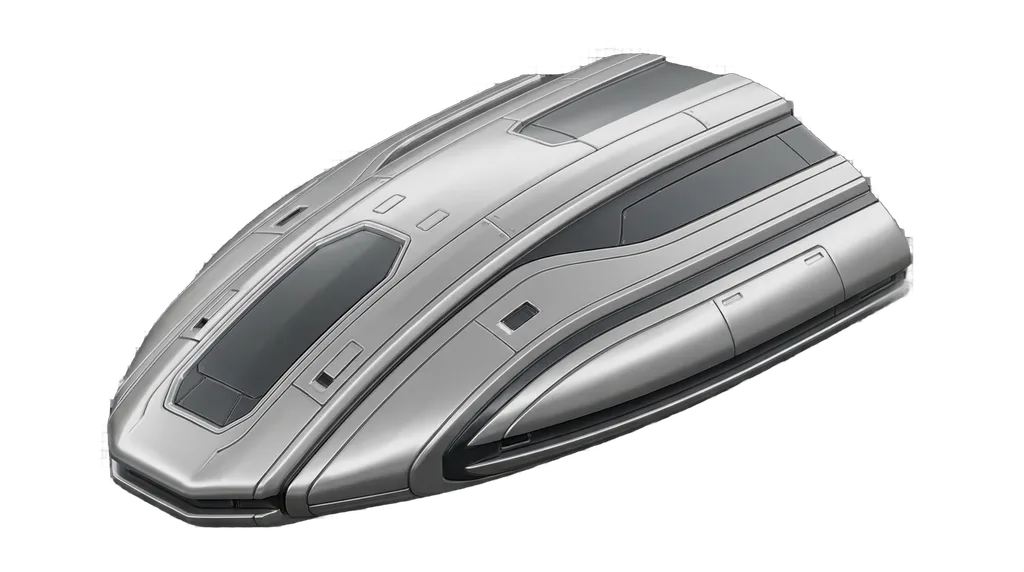
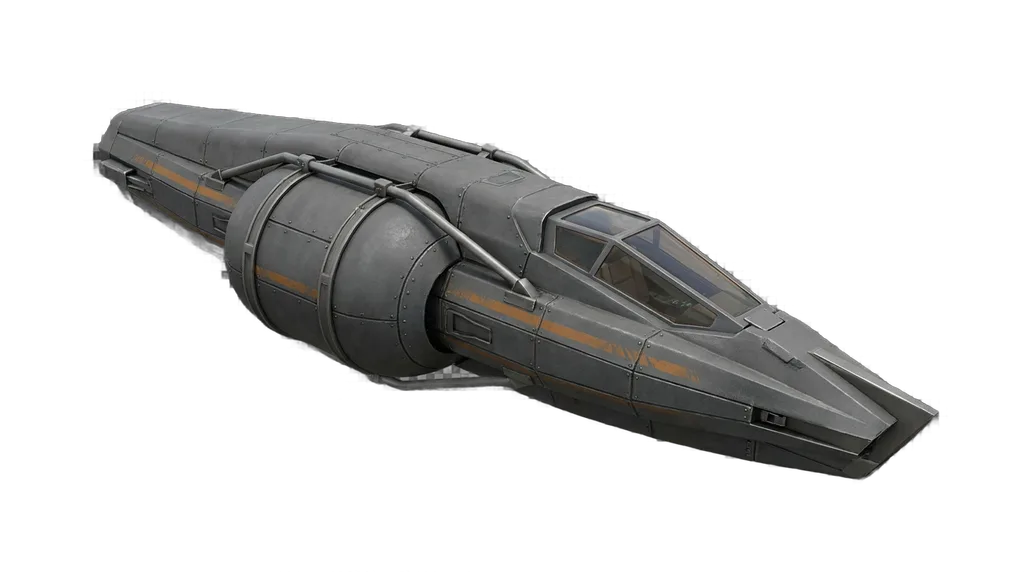
- the hull you fly, with its picture;
- when you started flying;
- how many systems you've charted, and how many of those you charted first;
- how many licences you hold, and how many days you've played;
- your moments (below).
It never shows your credits, your cargo, where you are, or anything that identifies your account. Where you are matters most: a page that said where you were docked would point raiders straight at you. So it tells your history and never your whereabouts.
Your page never appears in search engines. You opted in to being shareable, not to being searchable. Anyone you give the link to can read it, and that's all.
While your page is on, your callsign becomes a link wherever other pilots see it in the game: on the standings, on a crew, on a gate's plaque, beside a hail. If you lead one of the season's boards, the galaxy window shows your face and name too. A pilot whose page is off is listed there simply as a pilot.
Moments
A moment is one thing worth telling, with its own link and its own preview card. The game makes one when you:
- chart a system before any other pilot (First to chart a new system). It never says which: a moment a stranger can read must not name a place they haven't been;
- earn a licence in play (Earned the …);
- back a gate the fleet is building (Backed the …);
- lose a ship (Lost the …). It says what you lost, never where;
- bring down a rival, a raider captain who got away from you and came back (Brought down … at the … meeting). It names the captain and how many times you met, never where.
The ones you'll want to share have a Share button where they happen. It's on the system's banner, under First charted by your name. It's under a gate's pot once you've paid in, and on the academy rung you earned. On a phone it opens your share sheet. On a computer it copies the link. If your page is off, the same spot says Turn on your public page to share this and takes you to the switch.
Every moment, a lost ship included, is also listed on your page with its own link. A link to your page or to a moment unfurls as a card with your face on it when you post it somewhere.
Meeting someone through their page
If you're signed in and docked beside a pilot at a policed station, their page says In dock with you and offers a Hail menu. It's the same six friendly lines you'd use from the station's register. There's nothing to type, so nothing anyone sends can be unkind.
Bring a friend
The same Account panel has a section called Bring a friend, with a link that's yours alone. Anyone who signs up through it is recorded as your friend. Nothing else changes for them: the sign-up looks exactly the same, and a friend's link never gets anyone past closed signups.
A friend counts once they've done all three of these:
- confirmed their email address;
- finished the first evening, including buying their own hull and their first licence;
- played on three separate days.
That bar is there on purpose. A friend who signed up and never flew isn't a friend who plays.
When a friend counts, you both get a mark. Your page says Brought 2 friends, theirs says Came through a friend's link, and a station's register shows brought 2 friends beside your callsign. That count shows even if your page is off. At most five count.
And that's all it is: a mark, never credits and never goods. Nothing in Starlane that wins can be bought, and that includes being bought with friends. If you're curious why we hold that line so firmly, we wrote about how no pay-to-win is enforced by the architecture.
The short version
- Your page is off until you press Make my page public on your Account page.
- It shows what you've done, never your credits, cargo or location, and it's never in search engines.
- Moments come with a Share button: a first charting, a licence, a gate you backed.
- A friend who confirms, finishes the first evening and plays on three days earns you both a mark, up to five.
New here? Start with your first evening. By the end of it you'll have something worth putting on a page.
Create a pilot. It's free, and there's nothing to download.
Starlane is a persistent space game you play in a browser — free, no download. Start flying →